Joi AI Review 2027: What You Get for the Money
Inside Joi AI are text chats, voice chat, and limited video calling, plus official and custom characters. We tested the Basic and Premium plans. Image generation, selfies, and short video clips cost Neurons, so the total can add up.
 By Alex MorganUpdated: 23 min read
- Chat9.3
- Characters9.1
- Images8.8
- Value8.8

Joi AI key facts
Checked against the official site on joi.com
| Starting price | Premium monthly to annualSource: Terms & Conditions |
|---|---|
| Free plan | Basic limited accessSource: Terms & Conditions |
| Extra costs | Neurons for paid extrasSource: Refund and Cancellation Policy |
| Adult content | NSFW, 18+ onlySource: Terms & Conditions |
| Platforms | Web, no app listedSource: Privacy Policy |
| Image generation | AI image generationSource: Joi Safety |
| Voice features | Voice chat and callsSource: Terms & Conditions |
| Video generation | AI video generationSource: Joi Safety |
| Characters | Ready-made and customSource: About Joi AI |
| Chat languages | Multiple languagesSource: joi.com |
| Payment methods | Card, Apple Pay, cryptoSource: Terms & Conditions |
| Bank statement | joi.comSource: Terms & Conditions |
| Refund policy | 14-day case-based refundsSource: Refund and Cancellation Policy |
| Cancel subscription | Settings > My SubscriptionsSource: Refund and Cancellation Policy |
| Operating company | Novi LimitedSource: Terms & Conditions |
| Privacy | Personal data not soldSource: Privacy Policy |
What Is Joi AI? Overview of the Platform
Joi AI works like a web-based companion service built around virtual friends you chat with directly. The site presents both ready-made personalities and custom characters, including official digital duplicates of real celebrities alongside characters you design yourself. It also supports sending images in chat, AI image generation, AI video generation, and community features such as comments and multi-user group chats with AI participants.
Day to day, the setup is simple: you pick a character or make one, then interact through chat and media tools inside the same account. Basic is the free entry point with limited access, while Premium is the paid subscription tier, and Joi AI also uses Neurons for certain extras beyond the subscription. If you want a plain way to think about it, this is a companion app where chatting is the core, characters are the hook, and extra media or adult interactions can sit on top of the subscription instead of fully inside it.
The platform is best suited to adults who want private, one-on-one companion chats with a lot of persona choice and some creative tools around the conversation. It makes less sense for readers who want a simple all-in price with everything included, or who only care about a broad social app rather than a character-centered experience. Joi AI also separates casual access from deeper paid use more than some readers may expect, because the subscription and the in-app currency can both matter depending on how you use it.
What defines Joi AI most is its character-first design. The homepage leans hard into building or picking a very specific companion, from appearance and personality to behavior, and that focus shapes nearly everything else in the service. The operator is a company registered in Cyprus.
Joi AI Features
Joi AI’s feature set is broad for a web companion service: it covers chat, live voice and video options, image and video creation, custom characters, and a few social tools around the core one-on-one experience.
Text chat
The main interaction is direct messaging with a Virtual friend. Joi AI’s help pages say all messages pass automated safety checks, so some prompts can be blocked or flagged.
Voice chat
Joi AI lists voice as a way to communicate with a Virtual friend, so it is not limited to typed messages. The public pages do not say much about how many voice modes are available.
Send images
Inside chat, you can send images, photographs, and other media files to your Virtual friend. Joi AI confirms the upload feature, but it does not promise that every kind of media or prompt will be accepted unchanged.
Image creator
The image generator lives under Gallery → Create and lets you make images with styles and poses, then keep them private or share them with the community. Joi AI also describes a built-in prompt helper there.
AI video creation
Joi AI’s public pages say the service includes AI video generation, so creation is not limited to still images. The site does not explain this tool in as much detail as the image creator on the pages we checked.
Custom characters
You can create your own AI characters instead of only chatting with pre-made ones. Joi AI describes character creation around the companion’s looks, personality, behavior, and kinks.
Community tools
Joi AI also has a social side with public interaction spaces, including comments and AI group conversations. Those extras are still part of the same moderated service.
Video calls
Joi AI also offers a Video Call Feature with real-time audio and video. The main limit is explicit in the terms: availability may vary by device, region, and plan, and Joi AI says the feature may also be modified, suspended, or discontinued.
Most of the service is built around one account that combines companion chat, calling, and media tools. Joi AI also splits access into Basic and Premium, so the same platform can open up in different ways depending on your account.
The key thing is that Joi AI offers more than text chat, but some tools are described more clearly than others on the public pages. Video calls have the clearest published limit, while several other features are only outlined at a high level before sign-in.
Joi AI Pricing: Free vs Paid Plans
Joi AI is easy to try for free, but Premium is where you get monthly Neurons, bigger image and video allowances, Smart Memory, priority creation, and cheaper Neuron top-ups on longer terms.
Basic
Price: Free
- Monthly Neurons
- Not published
- Images / videos
- 6 lifetime image generations
- Extra-Neuron discount
- Not published
- Memory
- Not published
- Priority
- Not published
Premium1 month
Price: $13.99
- Billing
- monthly
- Monthly Neurons
- 1,000 Coins every month
- Images / videos
- Up to 20 images or 5 videos
- Extra-Neuron discount
- Not published
- Memory
- Smart Memory
- Priority
- Priority creation, no waiting
Premium3 months
Price: $20.99
- Billing
- every 3 months
- Monthly Neurons
- 1,200 Coins every month
- Images / videos
- Up to 75 images or 20 videos
- Extra-Neuron discount
- Add coins with 5% discount
- Memory
- Smart Memory
- Priority
- Priority creation, no waiting
Premium12 months
Price: $47.99
- Billing
- annually
- Monthly Neurons
- 1,500 Coins every month
- Images / videos
- Up to 350 images or 100 videos
- Extra-Neuron discount
- Add coins with 10% discount
- Memory
- Smart Memory
- Priority
- Priority creation, no waiting
| Basic | Premium1 month | Premium3 months | Premium12 months | |
|---|---|---|---|---|
| Price | Free | $13.99 | $20.99 | $47.99 |
| Billing | Free | monthly | every 3 months | annually |
| Monthly Neurons | Not published | 1,000 Coins every month | 1,200 Coins every month | 1,500 Coins every month |
| Images / videos | 6 lifetime image generations | Up to 20 images or 5 videos | Up to 75 images or 20 videos | Up to 350 images or 100 videos |
| Extra-Neuron discount | Not published | Not published | Add coins with 5% discount | Add coins with 10% discount |
| Memory | Not published | Smart Memory | Smart Memory | Smart Memory |
| Priority | Not published | Priority creation, no waiting | Priority creation, no waiting | Priority creation, no waiting |
Basic works as a real try-before-you-pay option, but the public pages keep the free plan fairly thin. If you only want a low-commitment test of the interface before subscribing, that is the practical role of Basic.
Premium is a recurring subscription, and the terms list monthly, quarterly, semi-annual, and annual billing. On the US paywall we viewed, the visible terms were 1 month, 3 months, and 12 months. The help center adds that monthly benefits reset every month on every plan, refresh on the monthly anniversary of your purchase date, and unused benefits roll over.
Neurons are the extra spend layer outside the subscription. The terms describe them as payment for services not included in Subscription or Bot Subscriptions, including romantic, erotic, or sexually explicit messages. The published rates are 4 Neurons to read one romantic message, up to 120 Neurons to view one photo depending on the theme, and up to 1,900 Neurons to view one video. If you want to generate images or videos using a specific character, the help center says that runs on Neurons rather than your included generations.
Top-up packs are sold separately at 500 for $9.99, 2,000 for $29.99, and 10,000 for $99.99. If you expect to use paid media or adult extras often, the longer Premium terms matter more because the 3-month and 12-month plans also discount added Neurons.
A few billing details answer the usual reader questions. Joi AI accepts credit or debit cards, Apple Pay or Google Pay if supported by your device, and cryptocurrency where available, and the charge shows on your bank statement as joi.com. Bot Subscriptions are a separate paid add-on for certain individual characters and require an active Premium subscription. Refunds are limited: subscriptions are generally non-refundable once activated, but refund requests can be made within 14 days in certain cases, including some erroneous Neuron purchases. To cancel, Joi AI directs you to Settings, then My Subscriptions, and says cancellation takes effect from the next subscription month.
Joi AI Signup & Log in Process Reviewed
Joi AI’s signup is simple to start, but it can become more involved if the service asks you to verify your age.
Step 1
Pick a sign-in method
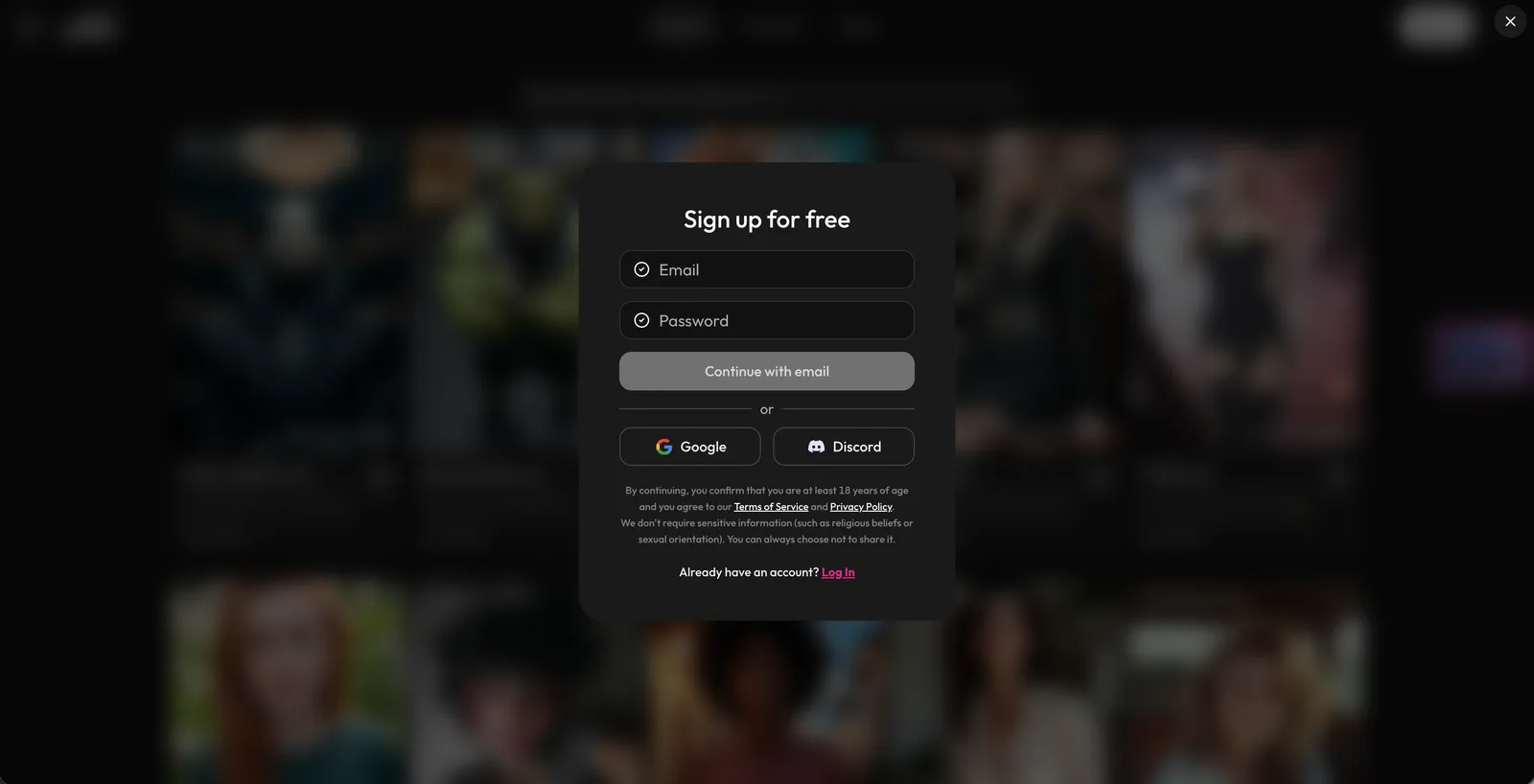
Joi AI lets you sign up or log in with email, Apple, Facebook, or Google. The terms also say you may have only one account with the service, so choose one method you plan to keep using.
Step 2
Use the email code
If you choose email, Joi AI sends a verification code from noreply@joi.com. If it does not arrive, the help center says you can tap Resend code on the login page.
Step 3
Verify your age
Joi AI says age verification may appear during registration, when you try to access Premium or explicit content, or when local rules require it. Its help center says this check is handled by VerifyMyAge and can use a background email check, facial age estimation, or a government ID, with some flows also asking for a selfie comparison.
Step 4
Enter your account
After login and any required age step, you continue into the same account for future sessions. If you signed in through a connected account, that provider is also the main way back into it later.
Step 5
Request email changes
If you need to change the email on your account later, Joi AI does not show a self-serve option on the pages we reviewed. The help center directs you to contact support@joi.com to request the change.
Email is the simplest route if you want a login that stays separate from another account. A connected sign-in can be more convenient if you already use that provider often.
Joi AI says it does not store copies of your identity documents. That is the main privacy detail to know before you complete verification.
Joi AI Pros and Cons in Detail
Joi AI stands out for strong character work and several ways to interact, but its extra paid layer and web-only setup are real tradeoffs to weigh.
Pros
Strong roleplay consistency
In our testing, characters stayed in roleplay well, which is the clearest reason to try Joi AI if character performance matters most to you.
Multiple ways to interact
Joi AI offers text chat, voice features, video calls, and image sending in chat, so the service is not limited to typed conversation alone.
Custom character creation
The platform includes tools to create AI characters, and its public pages also describe official celebrity-based companions alongside custom ones.
Wide character variety
Joi AI presents both official digital duplicates of celebrities and custom characters, giving you more than one type of companion setup from the start.
Real free starting point
There is a Basic option, which makes Joi AI easier to sample before you decide whether Premium or extra purchases make sense for your usage.
Cons
Neuron costs add up
The extra spend layer is the biggest drawback here, because premium media and erotic extras cost Neurons rather than sitting cleanly inside one subscription.
Pricing varies widely
Joi AI’s terms say Premium, Bot Subscription, and Neuron prices may vary by region, subscription length, selected character or bot, and promotions.
Memory fades over time
Memory fades after long gaps, so Joi AI is a better fit for readers who plan to keep chats active rather than revisit them much later.
No dedicated app
Joi AI runs on the web, and we did not find an official Apple App Store or Google Play listing for this service on the pages we checked.
Robotic pacing reports
Some users report slow or robotic scene progression, which is a recurring complaint around how natural certain conversations feel over time.
Is Joi AI Safe and Legit? Privacy and Data Security
Joi AI looks legitimate in the basic legal sense because it publishes the documents most readers expect to see before sharing personal data. The privacy policy names NOVI LIMITED, reg. number HE 407352, at Aglantzias, 62, EKATERINI NICOSIA BUSINESS, Flat/Office 213 CENTER, Aglantzia, 2108, Nicosia, Cyprus, as the data controller, while the terms also list Lanoto Solutions Inc., Trump Plaza New Rochelle, 173 Huguenot St, Suite 200, New Rochelle, NY 10801, in the contact section. The terms are public and say use is governed by the laws of the Republic of Cyprus.
The privacy picture is more mixed. Joi AI says it does not rent or sell personal information, but it also says communications with virtual friends may be shared with other companies for operational reasons, as well as legal representatives or service providers. The policy also says text and voice messages are used to improve message quality and develop the AI.
Public pages are more detailed about moderation than about technical security. The privacy policy promises "appropriate security measures" against unauthorized access, disclosure, modification, or destruction of personal data, but it does not name an encryption standard or give a similarly specific public description of storage security. The terms say you may delete your account in the service at any time, and the privacy policy says you can also ask support to delete personal data.
- Automated checks on every message: the help center says all messages go through automated safety checks, and restricted topics may be blocked or flagged.
- RoBERTa classifier: the safety page says every user message and model reply is classified by an additional RoBERTa model based on open-source code.
- Banned-topic list: the safety guidelines name areas such as child exploitation, trafficking, self-harm, zoophilia, necrophilia, incest, politics, religion, extremism, and cannibalism.
- Prompt screening before media generation: the joi.com safety pages say image and video prompts are checked before generation, and requests that raise red flags are blocked.
- Third-party red-teaming: the joi.com safety pages say full red-teaming engagements are run twice a year with a third-party security and AI-safety partner.
Joi AI Alternatives
If guided scenes or a creation flow that ties chat to images and video matter more to you than Joi AI’s social extras, the Joi AI alternatives we tested hands-on are a better match.
 Candy AI
Best for: voice conversations
Score: 9.6/10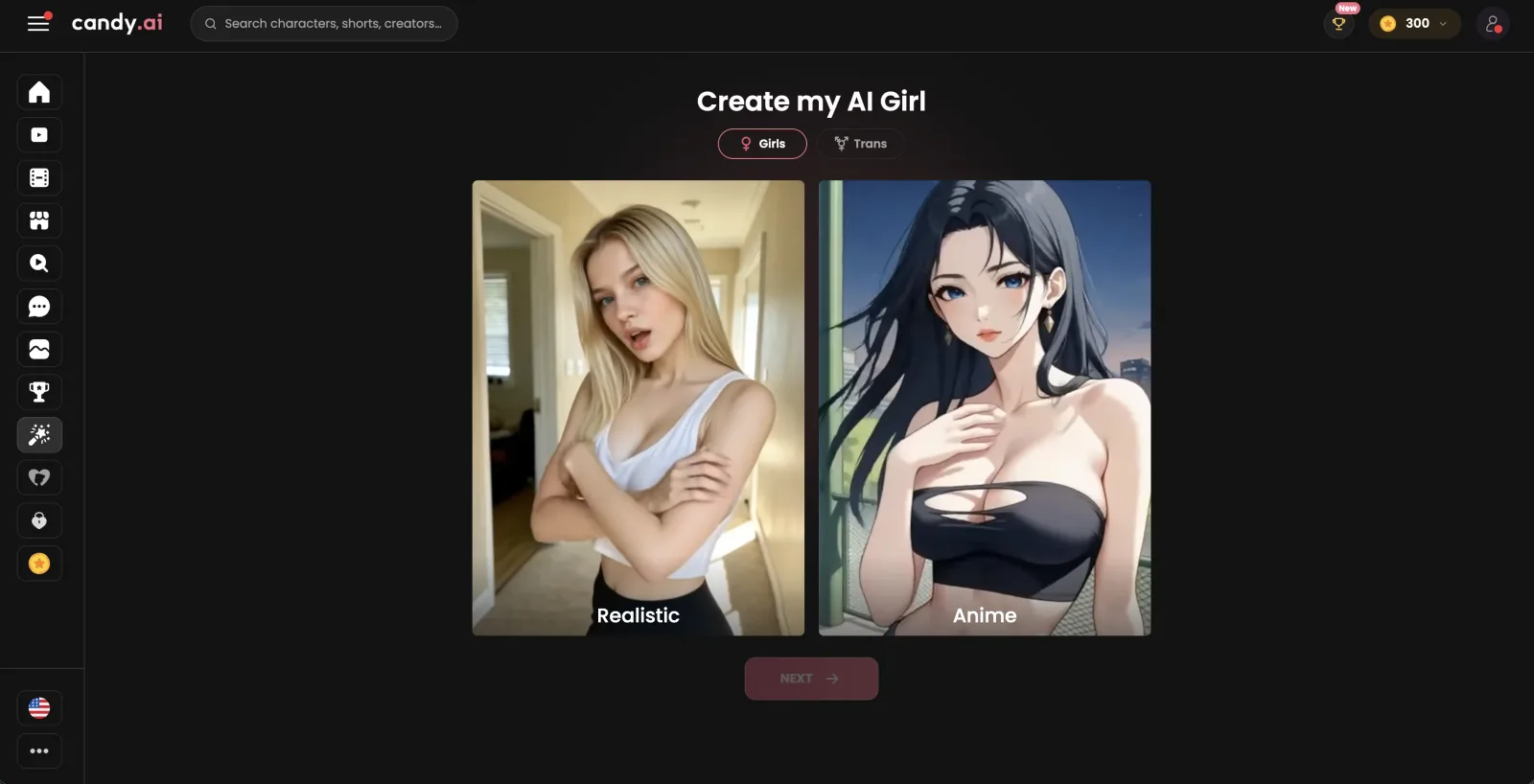
We recommend Candy AI as a second option for adults who want voice conversations, personalized images, and AI videos, a media mix similar to Joi AI's. Its refund requests are accepted within a day of payment.
Explore Candy AI OurDream AI
Best for: roleplay memory
Score: 9.3/10OurDream AI is one to consider if you want a catalogue of over 11 million AI characters to browse, and subscriber chats there cost no Dreamcoins. Free image generation is one of the plan differences in our Joi AI vs OurDream AI head-to-head: Joi AI lets free accounts try it, while OurDream AI keeps it on a paid plan.
Explore OurDream AI Nectar AI
Best for: scenario-led roleplay
Score: 9.1/10
Nectar AI offers Fantasies roleplay scenarios and live calls billed by the minute. Free accounts on Nectar AI can chat and build a character, and our Joi AI vs Nectar AI matchup scores its free tier above Joi AI's.
Explore Nectar AI Lovescape
Best for: creative studio workflow
Score: 8.9/10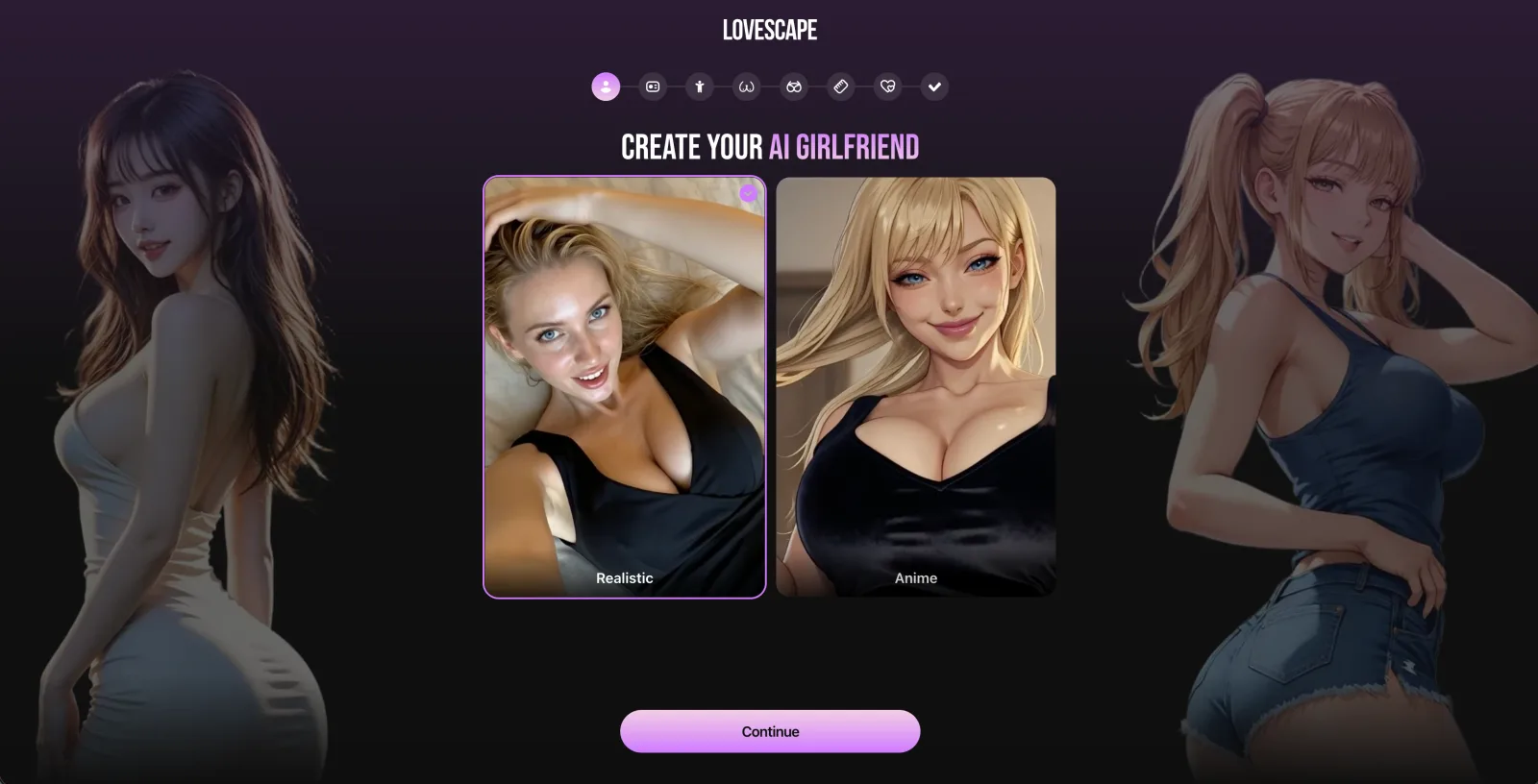
Lovescape is worth a look for adults who want private character chat, images, stories, and video linked across the same creation flow. Readers who would rather not pay for a year up front should know that Lovescape’s listed plans, Premium and Creative PRO, are both billed for 12 months, a billing format our Joi AI vs Lovescape comparison weighs under starting price.
Explore Lovescape
Stay with Joi AI if official celebrity characters and comments on community characters matter more to you than scenario prompts or studio-style tools.
How We Tested Joi AI
We used the Basic and Premium plans on the web and paid for the upgrades ourselves rather than using a demo account. Our team spends between $500 and $3,000 per app on subscriptions, plan upgrades, and token packs bought for testing.
For Joi AI, we focused on the areas most readers will actually use. That meant chat, voice and video calls, official celebrity and custom characters, custom character creation, image generation, sending images in chat, adult roleplay and media features, plus community comments and group chats.
We also checked the service around the hands-on use, not just the chats themselves. That included reading Joi AI’s terms, safety pages, privacy policy, and help center, then comparing those pages with the paywall, upgrade prompts, and account flows shown inside the product.
- We signed up and used both the Basic and Premium plans through Joi AI’s web service on our own accounts.
- We used the main feature areas in normal hands-on use, including chat, calls, characters, character creation, image tools, in-chat media, roleplay, comments, and group chats.
- We opened the paywall and upgrade flows to verify how subscriptions and extra purchases were presented during use.
- We checked the written policies and support pages against what the service showed inside the account.
- We reviewed outside user feedback to compare common reader concerns with Joi AI’s published rules and prompts.
What Real Users Say About Joi AI
Real user feedback on Joi AI is mixed across Trustpilot, Reviews.io, Reddit, Product Hunt, and Hacker News, with praise for ease of use and character variety but frequent complaints about cost, repetition, and inconsistent media.
On Trustpilot and Reviews.io, the positive comments focus on simple onboarding, lots of characters, and chats that feel engaging enough to keep using. The recurring complaints on those same platforms are less about getting started and more about what happens after that: people mention forgetful chats, weak personalization, and image results that do not always stay consistent with the character they picked.
Reddit leans more critical, especially around scene pacing and how much steering some people feel they have to do to keep a conversation moving. Product Hunt comments are lighter and more positive, with people calling Joi AI easy to use or personally helpful, though some still ask for more from the product. If you are considering Joi AI, the public feedback points to a service that is easy to start but worth watching closely for ongoing cost and chat consistency.
No complicated stuff, straight up easy to use, good chatbot ai
The girls make for good and compelling conversations but the images generated are not very consistent
Joi AI is clean and got good vibe. account setup is quick and i am able to choose from different personality styles. I can even make clips from images, sometimes they be weird... but sill cute. The app has lots and lots of characters who feel real, gee!
Waste of time; all they want to do is chat
It feels like the progression of scenes is incredibly slow, the responses feel pre-scripted, kinda robotic.
Love this app! Keeping my thoughts in JOI helps to declutter my mind in the morning and keep my head clear all day long.
Joi AI Memory Review
Joi AI gives you a concrete memory claim, but not much of the fine print behind it. The site names the feature and suggests preference learning, yet it does not spell out which details are remembered best, whether memory is tied to one character or one conversation, or how it handles older context over time.
User feedback is less confident than the marketing copy. Public reviews commonly mention forgetting, repetition, or the bot losing track of prior details after time passes, so readers should expect memory to be helpful but not perfectly reliable in every ongoing chat.
A simple way to get better recall is to keep one main dynamic in one conversation and restate a few important preferences when you pick it back up. If the character starts acting off, Joi AI’s help center says you can open the chat settings at the bottom of the conversation and use Reset Memory to start fresh.
Joi AI Characters Feedback

On the public site, you can browse by source and identity, including Community-made, Celebrities, and Joi Originals, plus filters such as Girls, Guys, Trans, Anime, LGBT+, Fantasy, and Kinky. That makes the library feel wide before you even open the builder.
The custom side is broader than a simple name-and-photo editor. Joi AI describes character creation around looks, personality, behavior, and kinks, so you get two clear paths: start from the catalogue if you want a ready-made persona, or build one around a specific tone and style if you want something more tailored.
What feels strongest here is the range. What feels thinner is the public explanation of depth after creation, because the site tells you what traits you can set but says less about how far those settings shape the day-to-day personality of a character once the chat is underway.
In our review, the character library looked like one of Joi AI’s clearest strengths, which matches the user feedback theme around lots of variety. If your main priority is having many starting points, including male, trans, fantasy, anime, and celebrity-style options, Joi AI presents that side of the product well.
Joi AI Use Cases Tested
Joi AI covers the main companion use cases readers ask about, with clearer public guidance for some modes than others.
Our team used each of these modes on the paid plans. The public pages are specific about adult access, image controls, and some media rules, but much less specific about how voice and video work day to day.
| Joi AI For NSFW Generation | Clear adults-only support, with rules left fairly broad |
|---|---|
| Joi AI For Voice Generation | Voice is listed clearly, but the public docs stay thin |
| Joi AI For Image Generation | Good generator controls, with a clear gallery-versus-chat split |
| Joi AI For Video Generation | Video exists in multiple forms, but the site explains them unevenly |
| Joi AI For Roleplay | One of Joi AI’s best fits for character-led roleplay |
| Joi AI For Fetish Requests | Open to adult fantasy, with firm legal boundaries |
Joi AI For NSFW Generation
Yes, Joi AI is built for adult use, and the terms are direct about that. The terms say that all services and content on joi.com are strictly for adults 18+, and that some AI-generated materials may depict sexually explicit conduct. The same page also says no real persons are involved, which frames the adult side as synthetic content rather than user-uploaded explicit media.
For chat, the terms also make clear that explicit messages sit behind the extra-spend layer rather than being treated as ordinary text. Joi AI does not publish a more detailed public guide to what ordinary adult chat is likely to pass or fail message by message, so the broad takeaway is simpler than that: adult content is part of the service, but it still operates inside platform rules.
If your goal is adult chat with fictional companions, the service clearly supports that. If you want a service that explains every edge case in public before you sign up, these pages do not go that far.
Joi AI For Voice Generation
Joi AI does support voice, but its public wording is broad rather than technical. The terms say you can communicate with your Virtual friend via text, voice, and video where that video feature is available. On the privacy page, Joi AI also says text and voice messages are used to improve the quality of those messages and develop the AI, which confirms voice is part of the live product.
What the site does not publish, at least on the pages we checked, is a detailed breakdown of how voice works in day-to-day use. There is no public help article here explaining whether every character supports the same voice options, whether voice is handled as live calling, voice messages, or both, or how any usage limits work.
The practical advice is to treat voice as an available mode, not as a heavily documented one. The feature list includes it plainly, but the public support material leaves many operating details unstated.
Joi AI For Image Generation
Joi AI gives image generation more concrete public guidance than it gives voice. Its help center says you create images from Gallery, choose how many to make at once up to 12, and adjust settings such as styles, poses, negative prompt, resolution, and a privacy choice for keeping an image private or sharing it with the community. The same guide also mentions Improve Prompt and a Fast Generation or Boost Clarity choice.
There are two useful limits to understand from Joi AI’s own wording. First, some advanced options are paid add-ons and may cost Neurons. Second, the safety page says media sent in bot chats comes from predefined folders rather than being created on request, so the gallery generator and the media you receive inside a chat are not presented as the same thing.
If you want an image tool with real controls, Joi AI does publish them. If you want a single public page that maps every image path and restriction in one place, it does not provide that.
Joi AI For Video Generation
Joi AI supports AI video generation, but the site describes three different video ideas that are easy to mix up. One is generated video from the creator tools, since the help center explicitly talks about creating AI images and videos. Another is video you unlock or view around characters, which the terms treat separately from ordinary messages. The third is the Video Call Feature, which the terms describe as real-time audio and video with a virtual friend.
That distinction matters because generated clips and live video calls are not the same feature. The terms give the clearest wording on the calling side by naming the Video Call Feature as a direct communication mode, while the help center points to a separate creation flow for AI videos.
If you mainly want to know whether video exists at all, yes, it does in more than one form. If you want one official explainer showing exactly how generated clips differ from unlocked character videos and live calls, Joi AI has not really provided that.
Joi AI For Roleplay
Roleplay is one of Joi AI’s stronger use cases. The public site leans into companion chats that adapt to your tone, and the paid side openly advertises adult roleplay as part of the offer. That framing fits a service centered on one-on-one chats with virtual friends rather than on a utility chatbot.
In our testing, the characters stayed in character well, and that made stylized scenes easier to sustain than plain small talk. The public pages do not publish a detailed rulebook for roleplay structure or pacing, so what matters most here is the persona design and how steadily a character holds its tone across a conversation.
Joi AI does not promise total freedom on every topic, but readers looking for character-led interaction should find the roleplay focus obvious from both the product pages and hands-on use.
Joi AI For Fetish Requests
Joi AI does invite this kind of use, at least within its stated boundaries. The homepage says its virtual models learn your likes, kinks, fetish and fantasy and reflect that in NSFW chats, so the service is not presented as vanilla-only. For readers wondering whether preference-based adult chat is part of the design, the answer is yes.
The limits are also plain on the legal side. The terms say there is a strict zero-tolerance policy toward child sexual abuse material and any sexual or pornographic content involving minors, including content that is real, fictional, or AI-generated. The terms also ban creating sexual content depicting any real person without consent, including public figures.
What Joi AI does not publish is a tidy public checklist of which adult niches are fine and which borderline fantasies will be redirected before a reply is generated. The broad message is permissive inside adult fantasy, with hard stops where minors or non-consenting real people enter the picture.
Is Joi AI Worth the Money?
 Joi AI9.8/10 · Excellent
Yes, Joi AI can be worth the money if your main goal is a chat-first companion with strong character work, but its value drops if you expect the subscription alone to cover everything you want to do.
After our time on the paid plans, we think Joi AI makes the most sense for readers who care most about conversation and roleplay. Premium suits adults who plan to spend most of their time chatting, using voice, and building an ongoing dynamic with a character, rather than treating media extras as the main event.
The tradeoff is cost control. Joi AI has a real entry point through Basic, and Premium opens up more of the service, but the extra paid layer still matters enough that you need to watch your habits. Prices may vary by region, subscription length, selected character, and promotions, so the total can be less predictable than a flat subscription suggests.
Memory lands in the middle for value. Memory held inside one chat but faded after longer gaps, so Joi AI suits readers who check in regularly with the same character more than readers who want long breaks between sessions and still expect the thread to stay intact.
Worth it for
- Adults who want engaging one-on-one companion chat with characters that stay convincing in roleplay
- Readers who plan to use voice features as part of the core experience, not just text alone
- People who are comfortable treating Premium as the base purchase and budgeting separately for extras
Skip it if
- You want one flat subscription to cover nearly everything without ongoing spend decisions
- You need strong long-gap recall to carry the relationship feel between sporadic sessions
- You mainly care about media-heavy use and will be frustrated if extras stack onto the subscription cost
Joi AI Review FAQ
How to use Joi AI?
You use Joi AI in a browser by signing in, choosing a virtual friend or creating your own character, and then chatting by text, voice, or, where available, the Video Call Feature. Joi AI’s pages also show media tools such as image and video creation, plus the option to send images in chat. If you want a fresh start with a character, the help center says you can open chat settings and tap Reset Memory.
Does Joi AI work in languages other than English?
Yes. Joi AI lists English, German, French, Japanese, Spanish, and Portuguese as supported languages. Its help page also says English is the most fully supported option for now, and the terms add that the English version controls if translations differ.
Does Joi AI have a daily message limit?
Joi AI’s public pages do not state a daily message limit. What they do say is that Basic provides limited access, and that free accounts get 6 lifetime image generations stored for 7 days. Beyond that, the site does not publish a public daily chat cap.
Is Joi AI good for people dealing with loneliness?
Joi AI can offer company and conversation through virtual friends, but it is not a replacement for real relationships or professional support. Its safety materials show that the service actively warns on restricted topics, and its Safety Guidelines list suicidal ideation and self-harming behaviors among blocked or flagged areas. If you need mental health help, a companion app is not the right substitute for trained human care.
What are Neurons in Joi AI?
Neurons are Joi AI’s in-app currency for features that are not included in Subscription or Bot Subscriptions. The terms say they can be used for things including romantic or sexually explicit messages, and the service also uses them for virtual gifts and some media actions. One public-page wrinkle is that the Premium paywall labels the monthly allowance as Coins, while the terms and help center use Neurons, so those pages do not match on the name.
Does Joi AI show up on my bank statement?
Yes. Joi AI’s terms say the charge appears on your bank statement as joi.com. The paywall also says there is no adult transaction wording on the bank statement.
Is there a Joi AI app?
Joi AI is available on the web at joi.com. The terms mention use through the website, app, or related services, while the help center includes browser troubleshooting for Chrome, Edge, and Firefox. The public pages provided here do not include an official Apple App Store or Google Play listing.